অনুগ্রহ করে অপেক্ষা করুন। ছবি আটো ইন্সার্ট হবে।


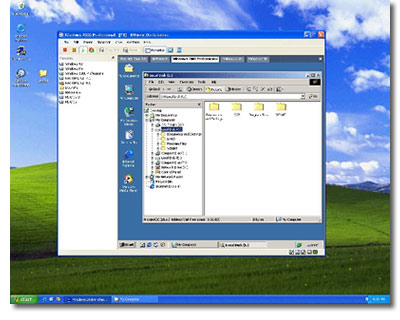
Better yet, if you happen to have a 2GB USB flash drive, you can carry your new PBX and softphone with you wherever you go and run it on almost anyone's Windows PC.
Just download and install the VMware player. You'll need a Windows PC with at least a 500 MHz processor with 256MB of RAM and about 2 gigs of disk space for this project.
The remaining piece you'll need to get started is Asterisk@Home 2.5 packaged as a VMware application. Just download the ZIP file, unzip it, and run VMware Player with the VMDK version of Asterisk@Home.
>http://nerdvittles.com
>VMwarePlayer=>http://www.vmware.com/products/player/
>VMDK version of A@H=> Click This Link
সর্বশেষ এডিট : ০১ লা মে, ২০০৬ বিকাল ৫:৫৯